

Basic Recommendations should be enabled for your account. Accounts on the Enterprise plan have recommendations enabled by default. Other accounts should reach out to their CSM or the MoEngage Support team if you wish to enable it for your account.
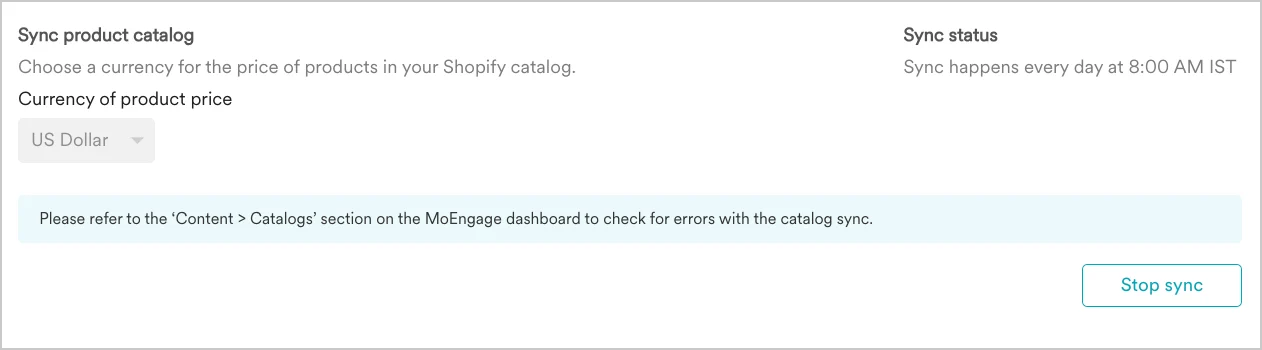
- You can enable the catalog at any time after doing the initial installation of our Shopify App.
- The first-time sync will start as soon as you enable the option. Once the sync is complete, the sync status will be updated. Then onward the catalog will be automatically refreshed daily between 8-10 am IST.
- In case of a failure, you can try to sync again.
- After the first successful sync, you can find a new Catalog created in your MoEngage account with the suffix “Shopify product catalog”.
- When you Stop the sync, the next daily refresh will be stopped. The catalog will still be available in the Moengage dashboard. You can manually remove the catalog from your Moengage account.
If you have any questions about the working of your Shopify integration read our FAQs.