

Introduction
BIK is an All-in-One AI platform that helps marketers convert their visitors into revenue. BIK offers a one-stop-solution for all the tools they will ever need to drive higher revenue, increase trust, cultivate loyal customer advocates.Use case
A. Travel and Hospitality (Informational) - A user booked a travel package and the you want to send a WhatsApp message to the user about the booking with the following options -- Get invoice
- View itinerary
- Request call back
- View bill
- Clear dues
- Open App
- Claim Rewards
- Earn Points
- Contact us
MoEngage × BIK
The MoEngage and BIK integration allows you to seamlessly orchestrate the end-to-end customer lifecycle from initial outreach, routed into a conversational experience, and through to omni-channel follow-up(s) via intelligent retargeting. The chat flow needs to be created on your BIK dashboard. The flow is then triggered using MoEngage connector campaigns.Integration
- Ensure you have a BIK account.
- Ensure you have access to your BIK account APIs.
Step 1: Create a chat flow on BIK
- Follow the steps here to create a journey.
- Generate your API keys. Follow the steps mentioned in the BIK API docs here. Copy your key and secret.
Step 2: Create a connector campaign on MoEngage
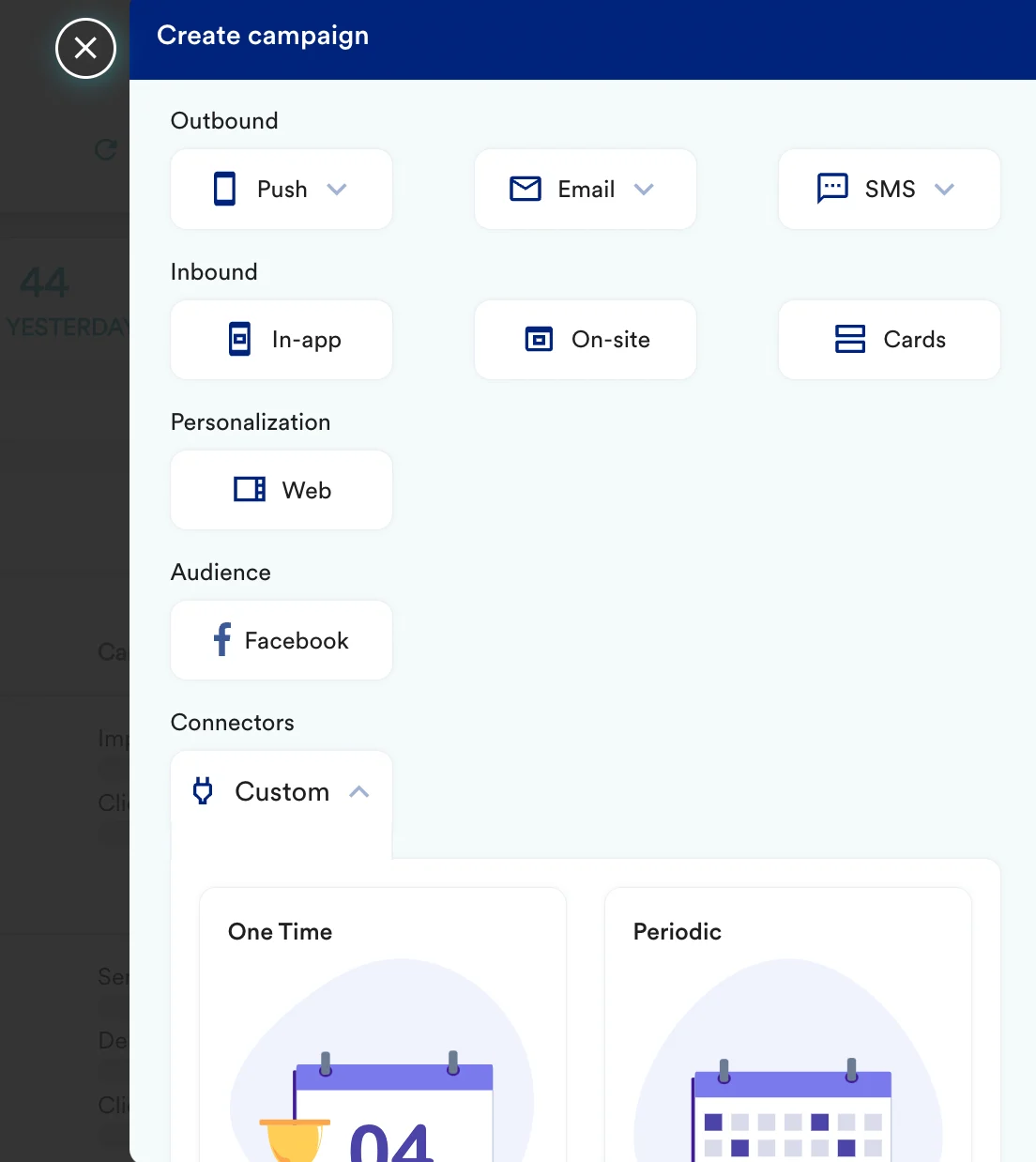
To create a connector campaign on MoEngage,- Navigate to Create Campaign > Connectors > Custom and choose delivery type most suitable to your needs
- On step 2 of the campaign
- Select method as POST
- Add Webhook URL as : https://bikapi.bikayi.app/integrations/bikPlatformFunctions-sendMessage
- In Headers,
- Content-Type as application/json
- Setup basic auth using Username as Key and Password as Secret
- In Body, choose Raw and copy paste the request
- At this point, your campaign should be ready to test and send. You can also test your connector configuration using the Test functionality available on Step 2 of Create Connector Campaign.
