

Setup MoEngage
To setup MoEngage, do the following :- Navigate to MoEngage Dashboard > Settings > General.
- Copy the Workspace ID (earlier AppID).
- Go to Twilio Segment dashboard , go to Integrations and select MoEngage.
- Enable MoEngage Integration.
- Go to MoEngage Settings and enter the MoEngage Workspace ID (earlier App ID), obtained in Step1.
- Save the changes.
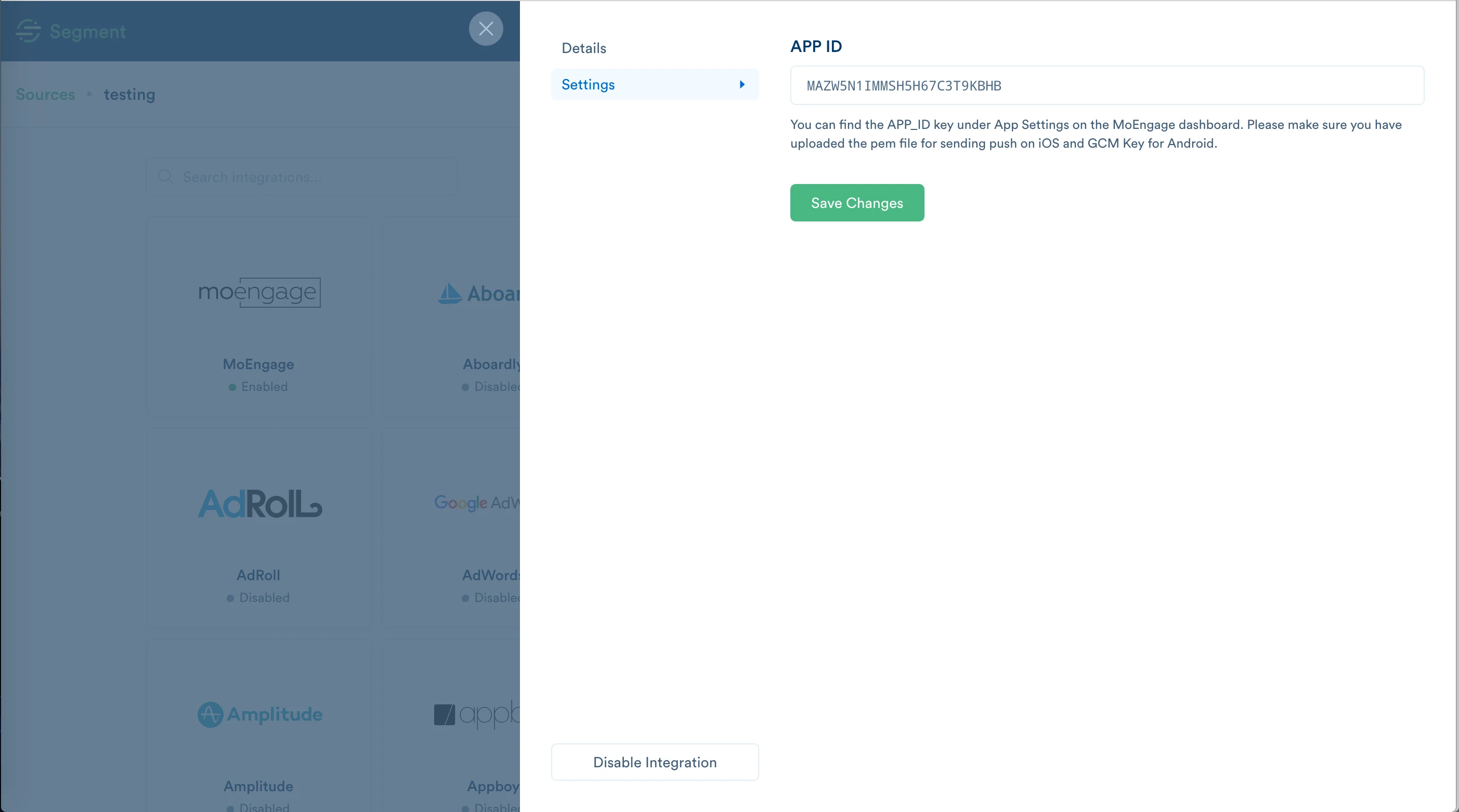
Using additional configurations
Data Center
To set the data center apart from the default (dc-01), you need to add this in your localstoragemoe_segment_cluster: dc_X (where X can be a number based on the dashboard host)
Use this helper code to set it: localStorage.setItem('moe_segment_cluster', {dataCenter}) replace with its proper value.
Follow this table to get the value of your data center: