

Introduction
Blitzllama GPT-powered feedback analytics automatically categorizes survey responses into topics, sentiments, and provides recommendations.MoEngage × Blitzllama
The MoEngage and Blitzllama integration allows you to push your existing user segments from MoEngage to Blitzllama via MoEngage Connector Campaigns. Syncing cohorts into Blitzllama ensures you learn more about the same set of users.Integration
Prerequisites
- Ensure you have a Blitzllama account.
- Ensure you have access to your Blitzllama APIs.
Step 1: Create a connector campaign on MoEngage
To create a connector campaign on MoEngage:- Navigate to Create Campaign >> Connectors >> Custom and choose delivery type most suitable to your needs
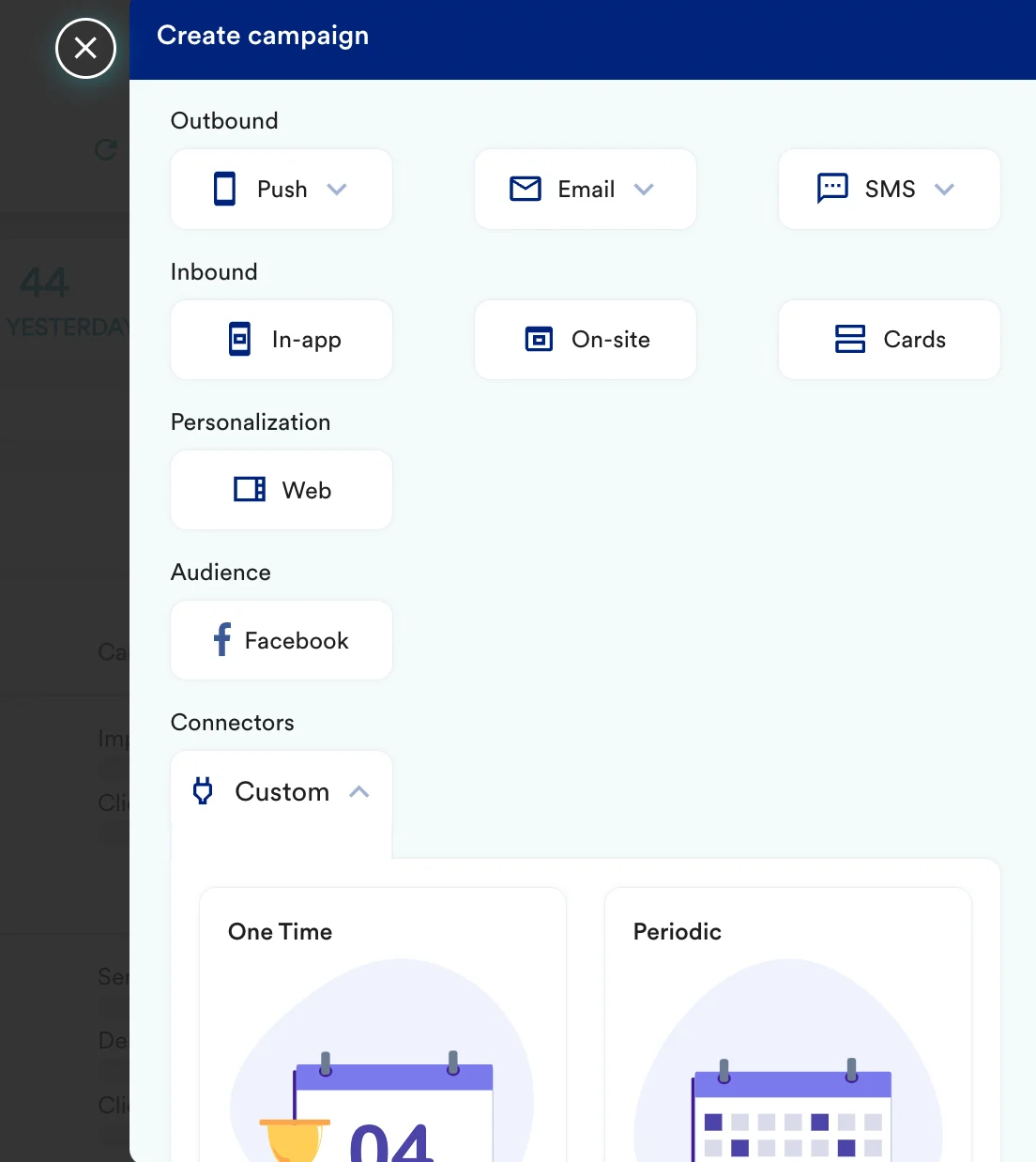
- On step 2 of the campaign:
- Select method as POST
- Add Webhook URL as:
<Your Blitzllama dashboard URL> - In Headers:
- Content-Type as
application/json - Add
x-api-keywith value<to be fetched from your Blitzllama dashboard>
- Content-Type as
- In Body, choose Raw and copy paste the request. You can refer to the blitzllama document for reference.
- At this point, your campaign should be ready to test and send. You can also test your connector configuration using the Test functionality available on Step 2 of Create Connector Campaign.
