Introduction
QuestionPro is an online survey software for polling, tablet-based mobile research, and data visualization.MoEngage × QuestionPro
With the MoEngage and QuestionPro integration, you can quickly create surveys to collect product feedback and conduct valuable research to gain detailed insights straight from MoEngage campaigns across various channels like emails, push, and in-apps.Integration
- Ensure you have access to a QuestionPro account.
- Ensure you have permission to create and distribute the survey.
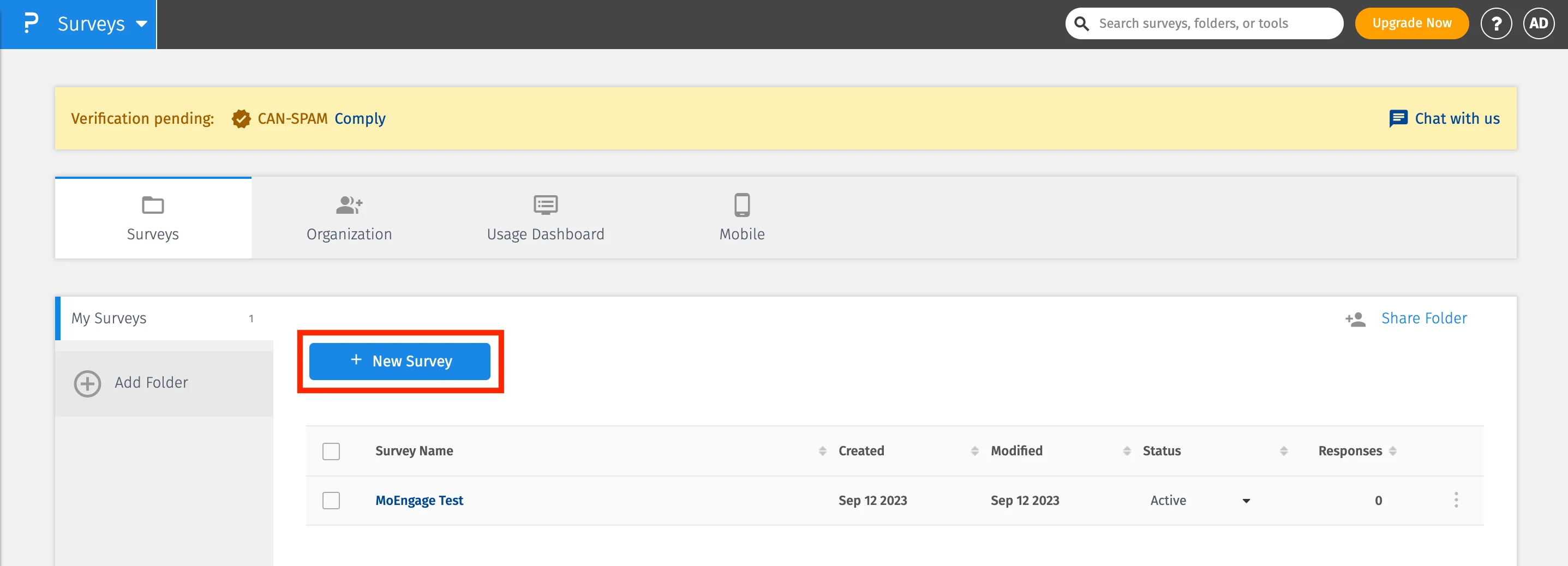
Step 1: Create or select a survey in QuestionPro
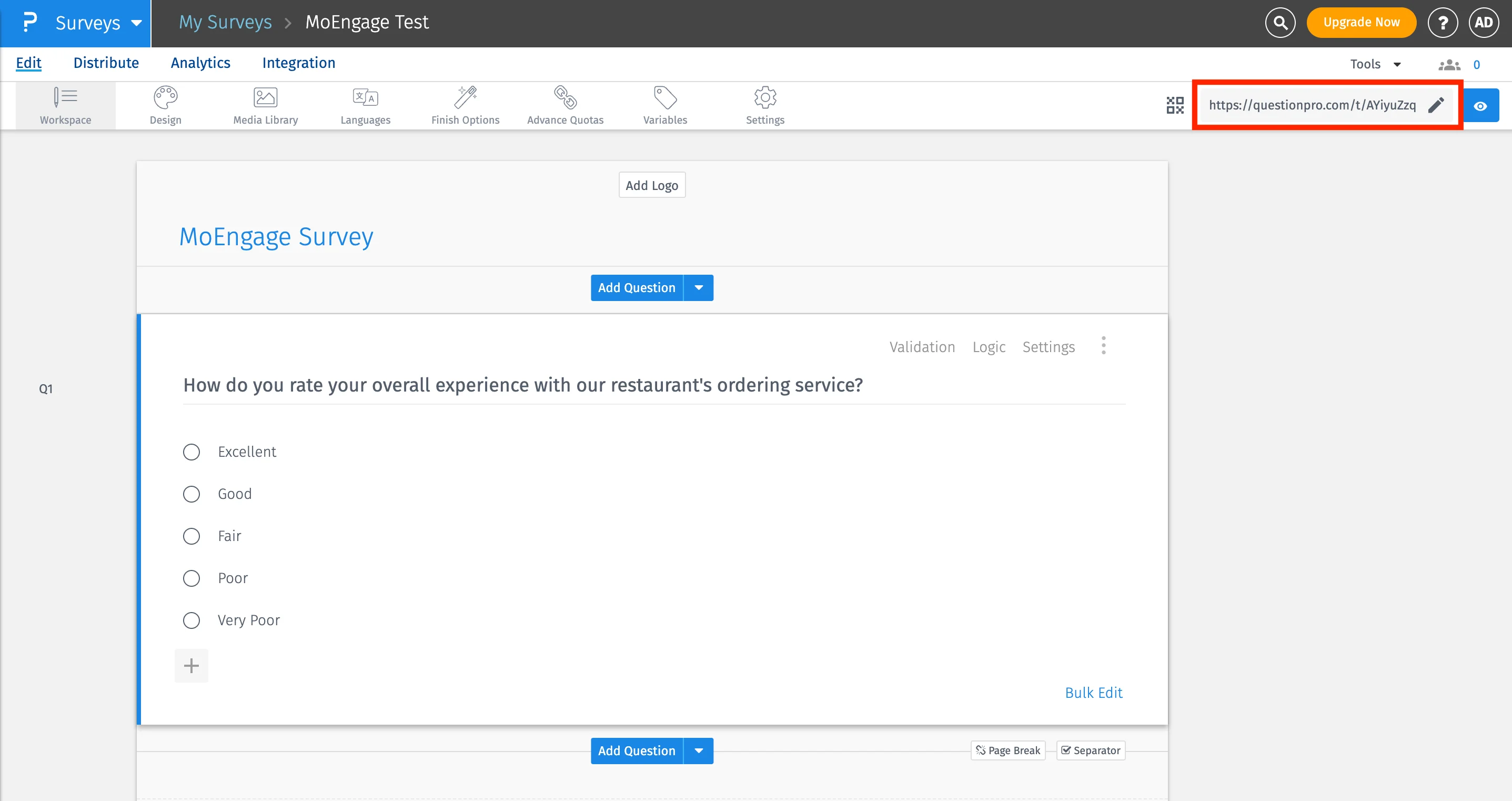
Step 2: Personalize survey in MoEngage campaigns
In order to personalize the survey, you can create Custom Variables on QuestionPro: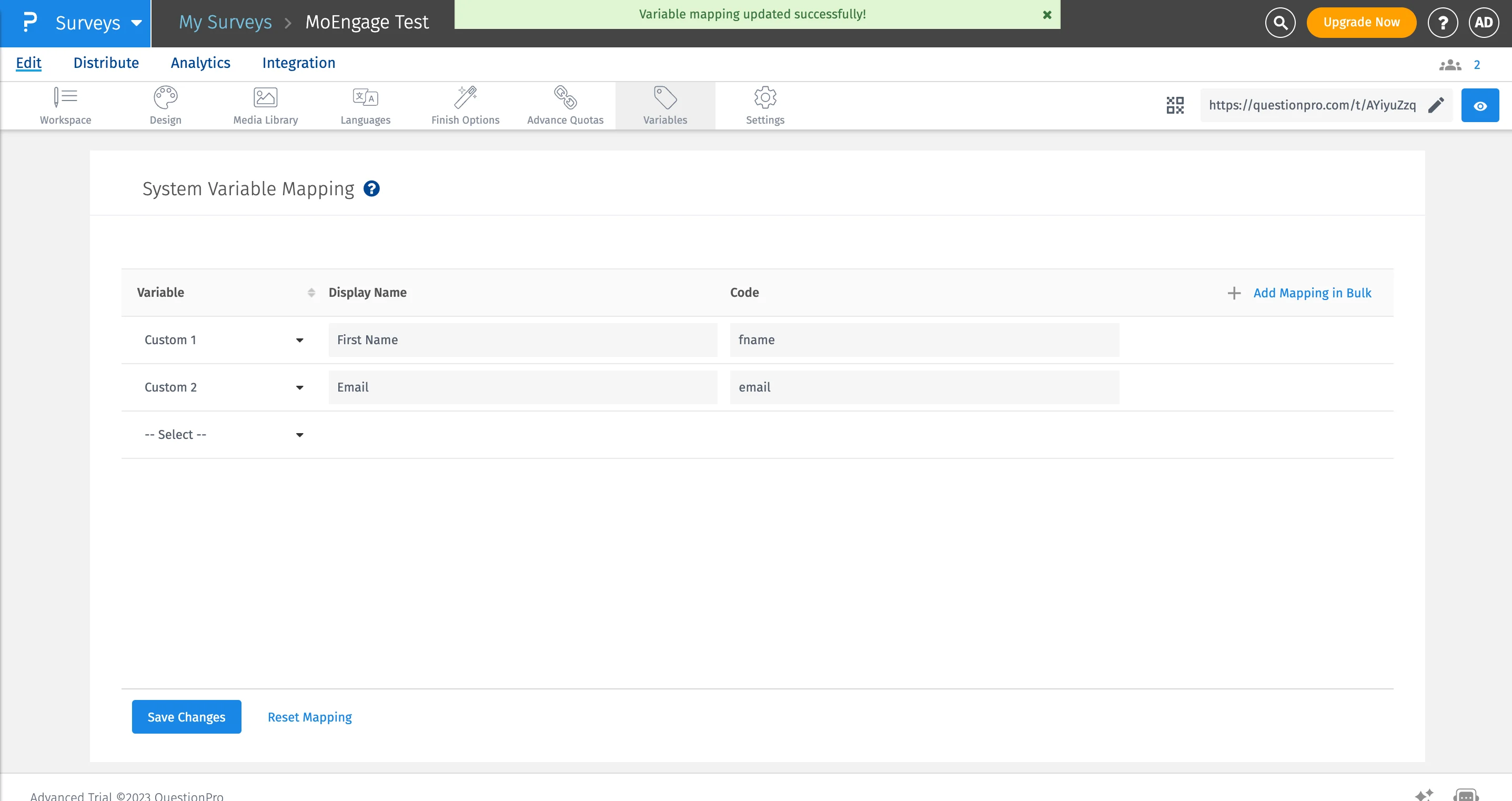
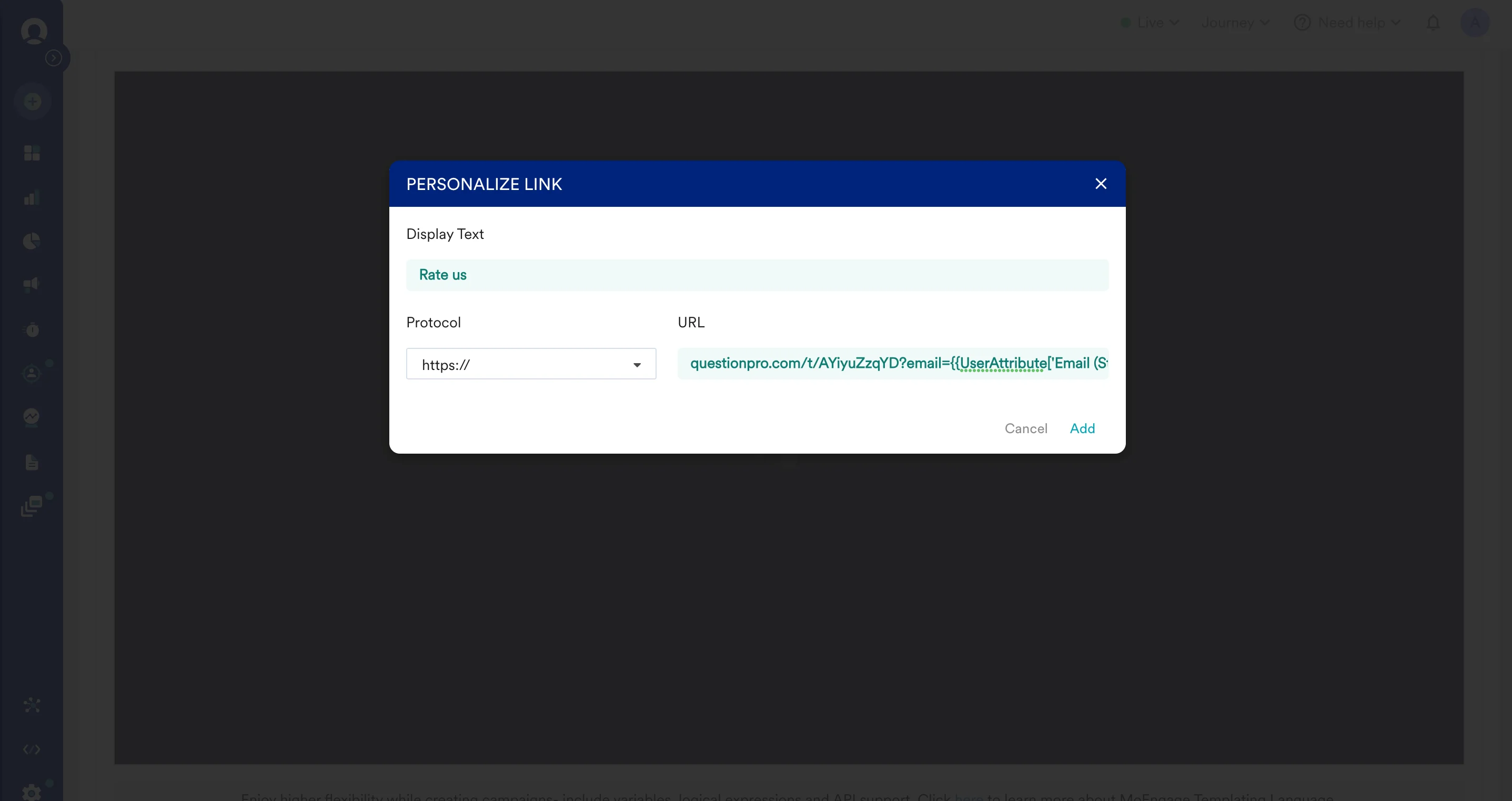
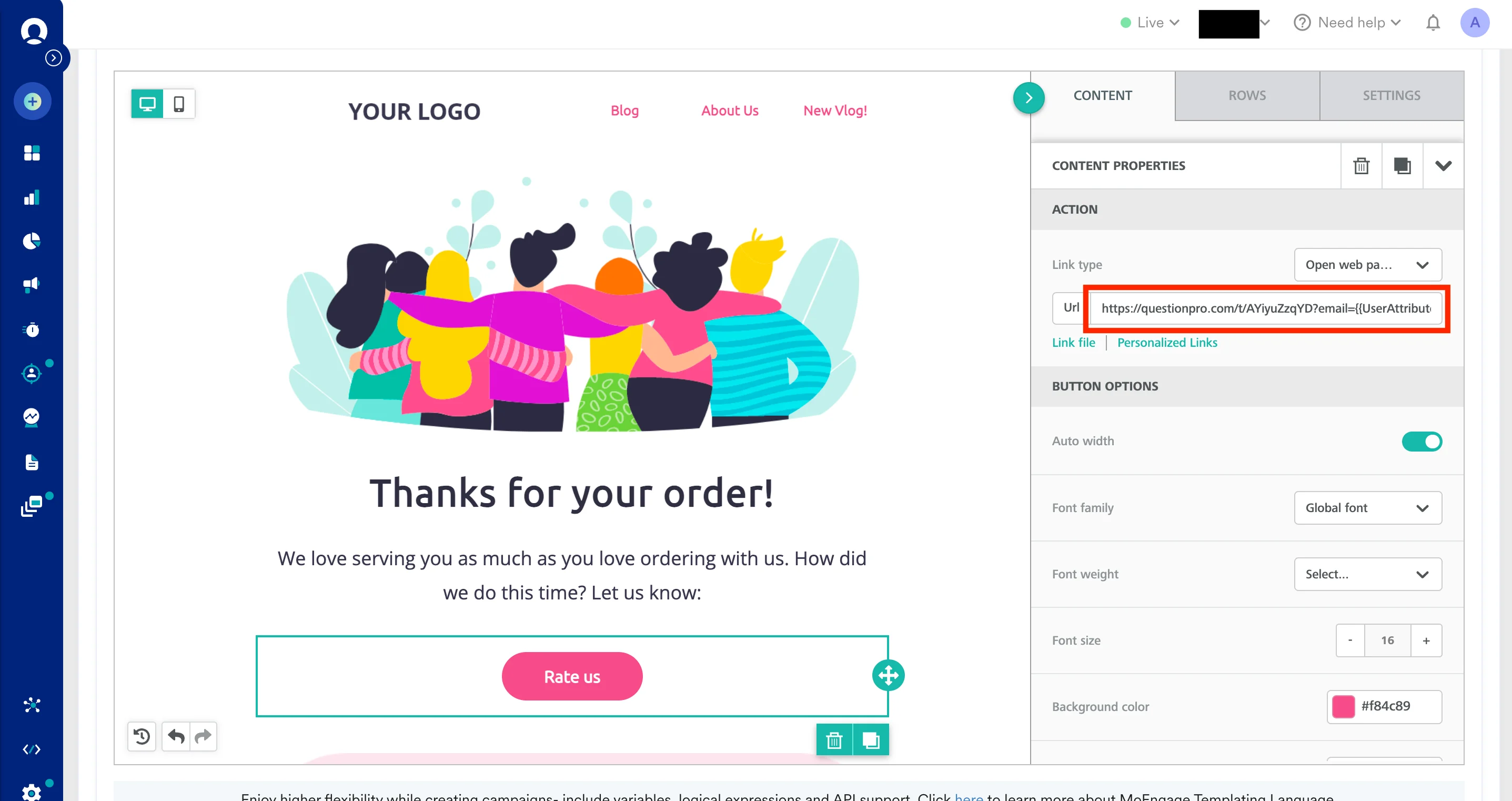
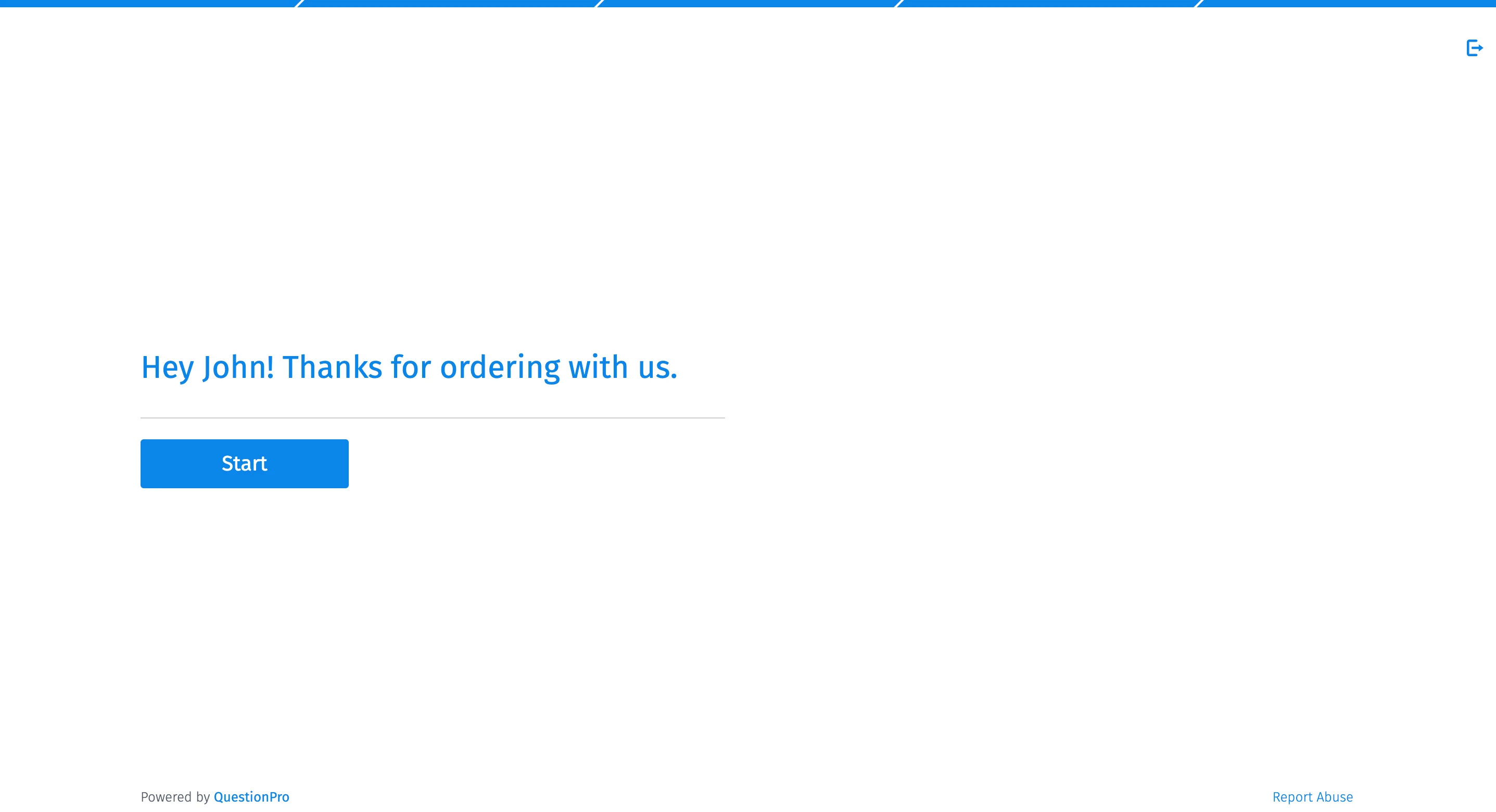
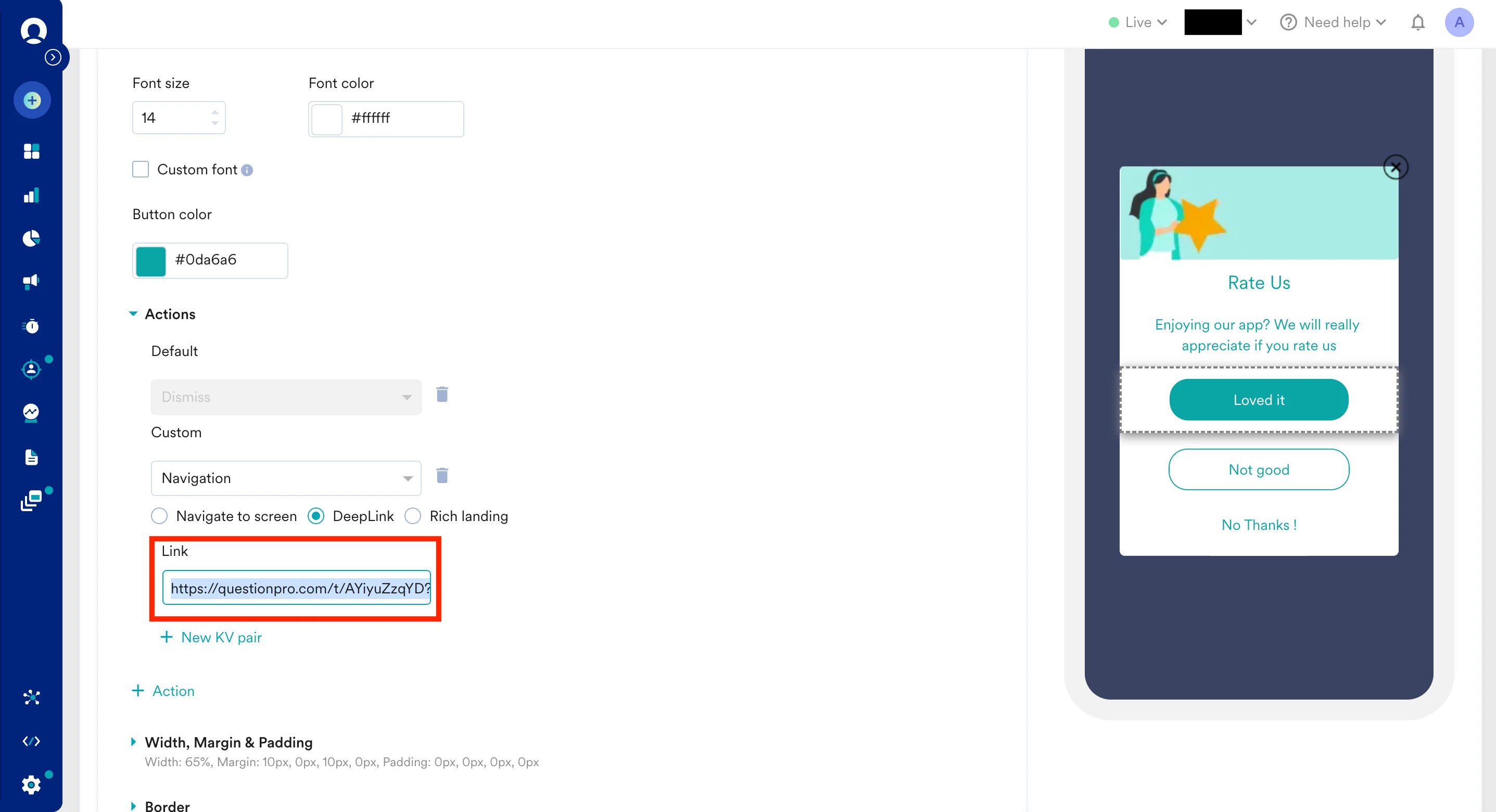
Send out QuestionPro survey using MoEngage In-Apps
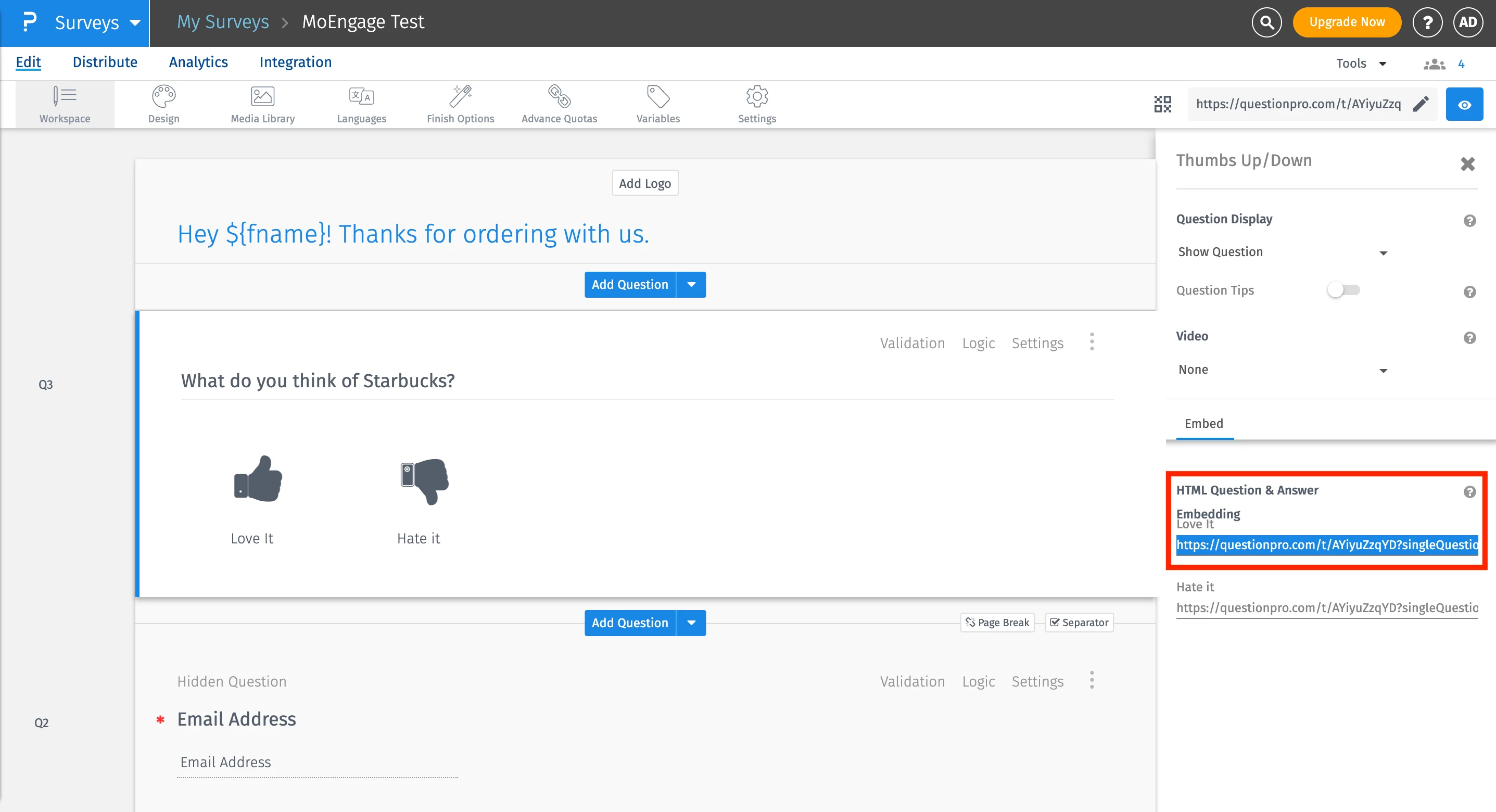
QuestionPro also allows you to embed your questions inside MoEngage In-App templates. To get the embed link of a question:- On your QuestionPro Dashboard, Go to Surveys >>Edit >> Workspace
- Click on question Settings.
- Click on Embed under question settings.
- Here you will get the embed URL for each answer option.