

Introduction
Dynamic Yield is an Experience Operating System that algorithmically matches content, products, and offers to each customer across digital channels to increase revenue and drive loyalty.MoEngage and Dynamic Yield
The MoEngage and Dynamic Yield integration brings together personalized content and targeted email campaigns. With this integration, businesses can embed Dynamic Yield’s content blocks and recommendation blocks directly into MoEngage email campaigns. By combining Dynamic Yield’s AI-powered personalization with MoEngage’s email marketing capabilities, you can deliver the right content to the right customer at the right time and maximize engagement and ROI.Integration
Prerequisites
- Access to your Dynamic Yield dashboard.
Step 1: Design an Experience Email campaign in Dynamic Yield
-
On your Dynamic Yield dashboard, go to Email > Experience Emails, then click Create New.
- Choose how to create your email: start from scratch, copy a previous email, or use a template.
- Enter a campaign name, note, and labels for your campaign in the heading area.
-
Insert and edit the email building blocks. Drag and drop from the menu on the right of the screen to add, arrange, and edit elements (click a building block to see all its design options). Email building blocks include:
- Recommendations: A widget that offers users fully personalized recommendations.
- Dynamic Content: Target different promotions and messages to different audiences.
-
Update your settings:
- Use URL parameters to track clicks within your analytics software (optional). Add parameters to the displayed defaults as needed.
- Select an attribution window.
- Click Save & Exit. You can return to edit any element of the email until the code is generated.
Configure a recommendations block
The recommendations block lets you set up algorithms and filters to deliver customized content that is rendered when the email is opened. To set up your recommendations block, follow the instructions in the Dynamic Yield help docs.Configure a dynamic content block
Use Dynamic Content to direct different promotions and messages to different users. Targeting can be based on either affinity or audience. When the email is opened, Dynamic Yield decides which personalized experience to deliver. To set up your dynamic content block, follow the instructions in the Dynamic Yield help docs.Step 2: Prepare your code to integrate with MoEngage
This integration lets you embed personalized recommendation widgets and dynamic content powered by Dynamic Yield into your MoEngage email campaigns. Embedding the campaigns in MoEngage is simple — paste a single embed code into the MoEngage email editor. Click the Code Parameters icon to set the ESP merge tags for all future emails:
When the email is ready, generate the code and embed it in your MoEngage campaign:
-
In Experience Emails, click Generate Code in the campaign’s row.
-
Click Generate Code again. The code is generated and a preview of the email is displayed.
- Click Copy to Clipboard.
Step 3: Create a new MoEngage campaign
To include the code in your MoEngage campaign, on step 2 of campaign creation: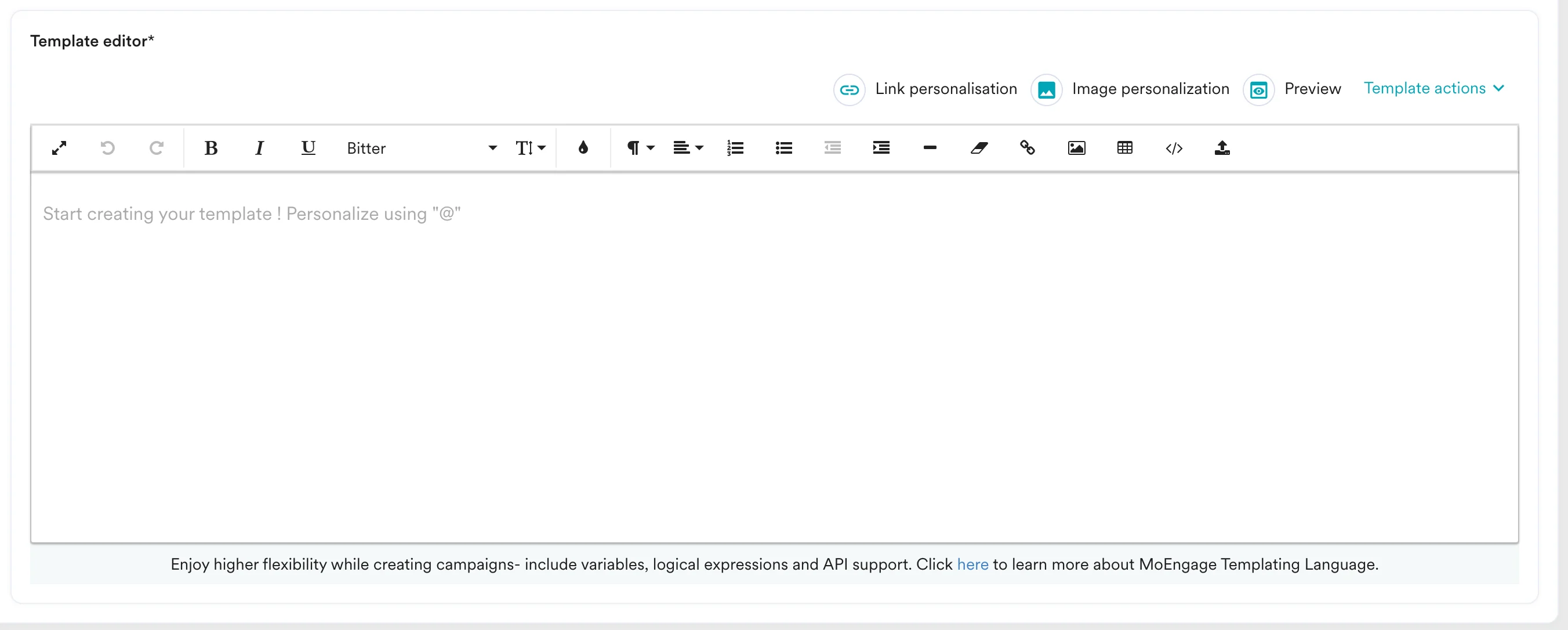
- Select the Custom HTML editor template, then click Edit/Paste HTML template.
- Paste the code copied from Step 2.