

Introduction
Storylane enables B2B marketing and Sales Engineering teams to capture your product and create engaging demos and product tours.MoEngage and Storylane
With Storylane, you can build and share interactive product demos with your prospects and leads. With the MoEngage and Storylane integration, you can:- Send customized product demo links to your prospects in MoEngage campaigns.
Integration
Embed product demo links in MoEngage campaigns
Using MoEngage’s JINJA personalization, you can dynamically add links created by Storylane inside MoEngage campaigns for a more personalized experience. The following example shows how to do this for an email campaign.Step 1: Create a new MoEngage email campaign
To use the demo link in your MoEngage campaigns:- On step 2 of campaign creation, paste your product demo link, then type
@. - In the personalization pop-up, select Email (Standard).
 JINJA
JINJA - Click the Preview tab to view your campaign with real-time personalization.
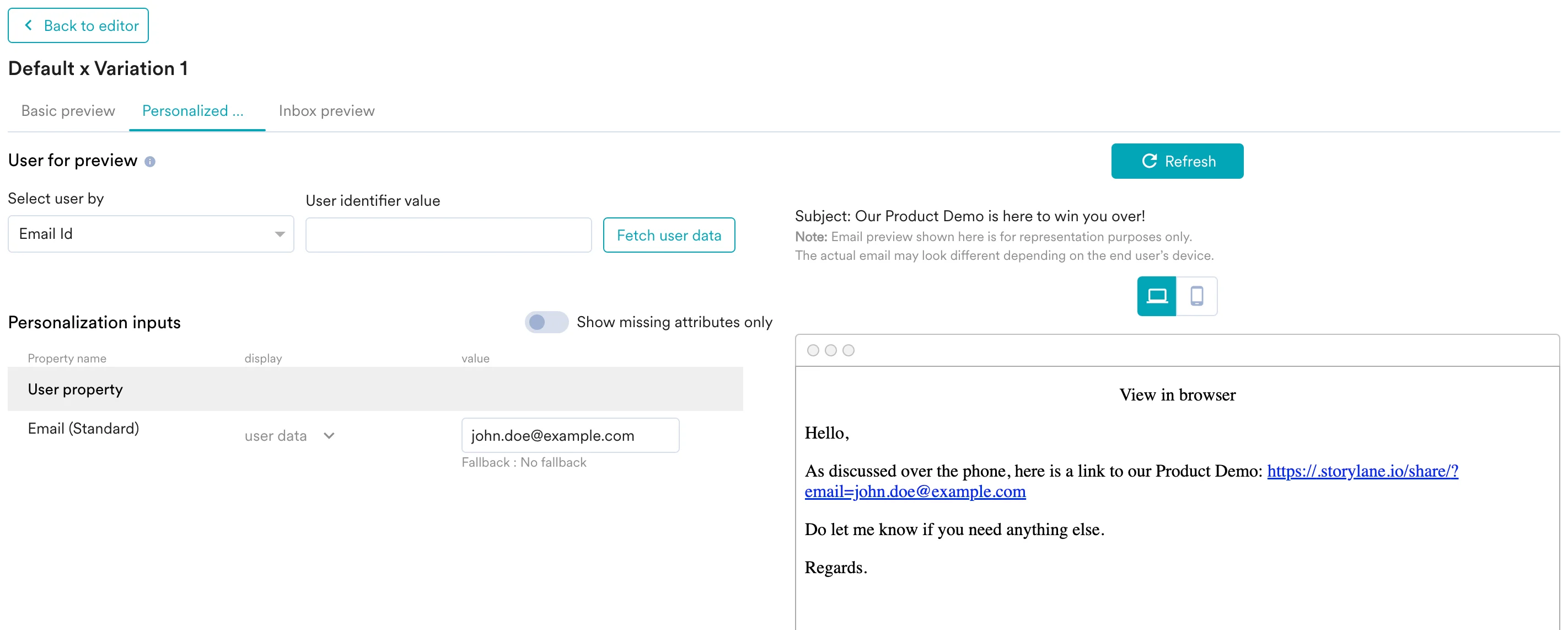
- Publish the campaign.
Each recipient receives an email containing a Storylane demo link personalized with their email address.