

Introduction
Wove makes it possible to reach the audiences of brands complementary to yours.MoEngage × Wove
With the MoEngage and Wove integration, you can include a Wove code snippet in your MoEngage email templates, and your readers will see messages from your Wove network partners—who can display your message to their audience in the same way.Integration
PrerequisitesAccess to your Wove dashboard.
Step 1: Create your element on Wove dashboard
Go to the Wove dashboard and:-
Create and customize a tag for each of your email templates that will include Wove partner messaging

-
After creating each tag, select Copy to ESP and click the copy symbol in the bottom-right corner.

Step 2: Use this code inside MoEngage Campaigns
To include the Wove code in your MoEngage campaign, on step 2 of the campaign creation-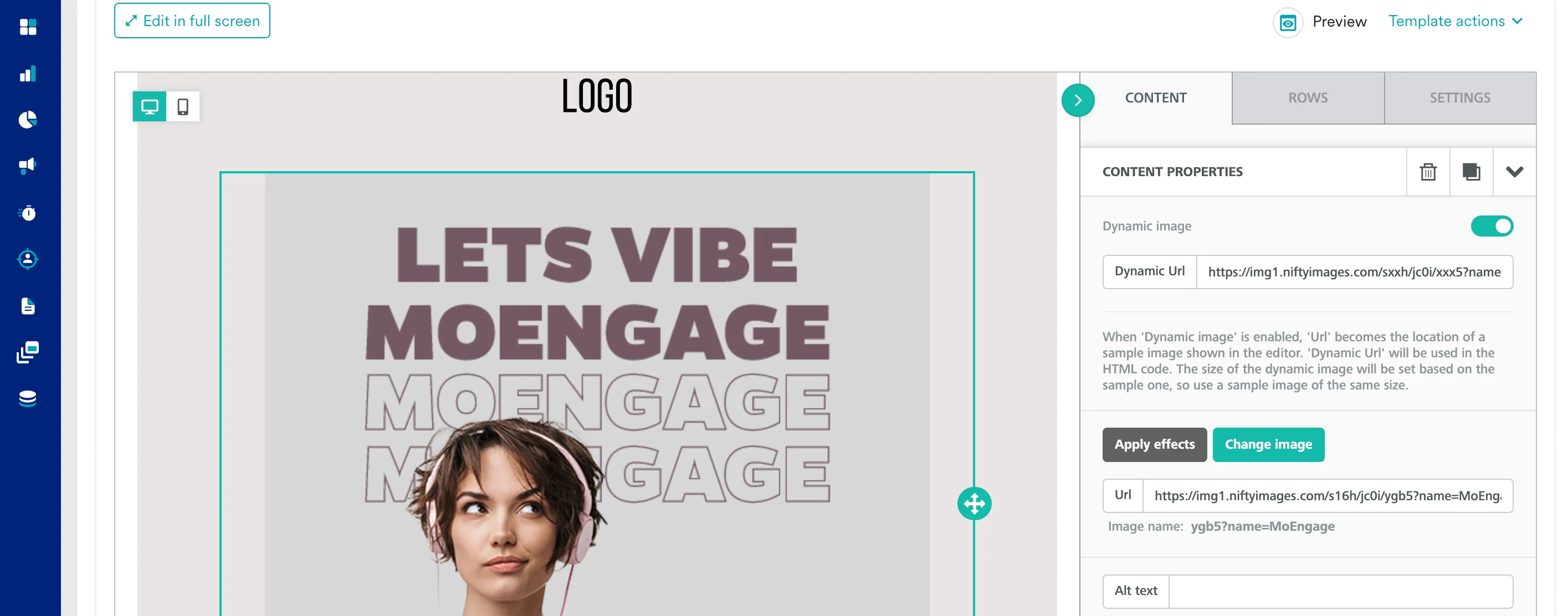
- Create a new HTML block
- Paste the copied code from Step 2 inside HTML Block. You can also insert the HTML code.